

.webp)
Creating legal documents is one of the most time consuming parts of law firm operations. Contracts, pleadings, court documents, discovery documents, and client documents often follow repeatable patterns, yet many law firms still rely on manual drafting. The best legal document automation software helps law firms reduce time drafting documents, limit human error, and create accurate legal documents using structured workflows. By using the right legal document automation software, legal professionals can generate documents faster while keeping full control over quality and compliance. Read on to understand how legal document automation works, what features matter most, and how it supports modern legal workflows.
What Is Legal Document Automation Software
Legal document automation software is a type of legal automation software that helps law firms create documents using dynamic document templates instead of manual drafting. Legal teams answer guided questions or collect data through client intake forms, and the document automation platform uses conditional logic to generate documents automatically.
This document creation process is also known as document automation or document assembly. It is widely used for legal documents such as contracts, court forms, PDF forms, engagement letters, discovery documents, and other legal documents. Automation replaces manual data entry, mail merge, and repetitive tasks with automated document drafting that produces consistent and accurate results.
Why Law Firms Use the Best Legal Document Automation Software
Law firms adopt document automation tools to improve efficiency, accuracy, and consistency across legal work. By reducing manual tasks, legal professionals spend less time drafting documents and more time serving business clients and managing complex legal documents.
Common reasons law firms use legal document automation include:
- Faster document generation with just a few clicks
- Reduced human error from manual drafting and data gathering
- Consistent language across multiple documents and practice areas
- Better use of legal teams and staff time
Legal document automation is often combined with other legal tools such as legal practice management software, matter management, and case management systems. Some firms also support automation with remote legal staff for intake and administrative support.
📚 Also read: 12 Types of Legal Tech Software Tools for Law Firms in 2025
What Makes the Best Legal Document Automation Software
The best legal document automation software is not defined by having the most features. It is defined by how well it supports law firm operations, legal workflows, and document creation needs across the entire organization.
Strong document automation software typically offers:
- The ability to create dynamic document templates without coding
- Clear conditional logic for complex documents
- Secure handling of client data and legacy documents
- Flexibility to support small law firms, larger firms, and legal departments
The right document automation software simplifies legal document creation without adding a steep learning curve.
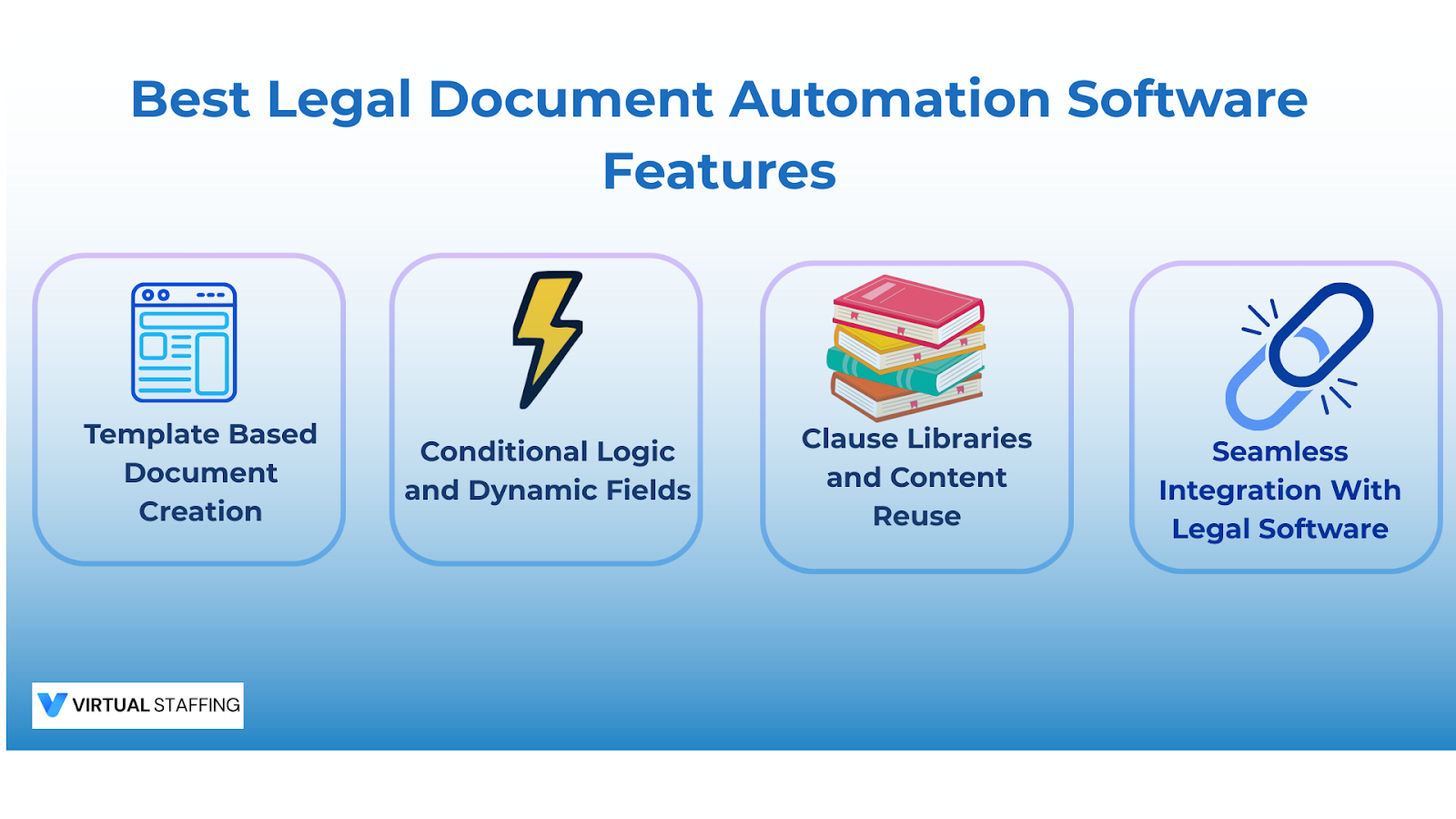
Best Legal Document Automation Software Features to Look For
Understanding essential features helps law firms select the right document automation platform for long term success.
Template Based Document Creation
Document templates allow law firms to create automated templates that pull in client data and matter details. These templates work with Microsoft Word or Word document formats and support electronic signatures.
This feature helps legal professionals create documents quickly while maintaining consistent formatting.
Conditional Logic and Dynamic Fields
Conditional logic allows automated legal documents to change based on collected data. Different clauses or sections appear depending on case type, jurisdiction, or client responses.
This makes it possible to handle complex legal documents using a single automation tool.
Clause Libraries and Content Reuse
Clause libraries store approved language that legal teams can reuse across multiple documents. This reduces time spent searching through legacy documents and improves consistency.
Seamless Integration With Legal Software
The best legal document automation software offers seamless integration with practice management, document management, and case management systems through an application programming interface. This reduces manual data entry and supports workflow automation.
Best Legal Document Automation Software for Different Law Firms
Different law firms require different automation tools based on size, volume, and complexity.
Small Law Firms and Solo Attorneys
Small law firms benefit from no code platforms that allow them to build their own templates without technical expertise. Even basic document automation software can significantly reduce repetitive tasks.
Mid Size and Growing Law Firms
Growing law firms need automation tools that support collaboration, multiple documents, and integration with legal practice management software. Workflow automation becomes critical as document volume increases.
At this stage, some firms also use trained remote legal staff to help manage intake details and document preparation.
Large Law Firms and Legal Departments
Large law firms and in-house legal departments require advanced access controls, support for complex documents, and integration across the entire organization. Automation supports consistency across legal teams while reducing manual tasks.
Legal Document Automation Software vs Legal Document Management Systems
Legal document automation software focuses on document generation and automated document drafting. Legal document management systems focus on storing, organizing, and retrieving documents.
Both tools serve different purposes. Automation improves how law firms create documents, while document management supports long term storage and retrieval. Many law firms use both together.
📚 Also read: Can You Own a Law Firm Without Being a Lawyer
How AI Fits Into Legal Document Automation Software
Some law firms use AI assisted tools alongside document automation software to support document creation. AI can help with summarizing text or editing language, but it does not replace legal judgment.
Legal professionals must supervise AI assisted outputs, protect client data, and review all final documents. Automation software remains essential because it enforces approved templates and legal workflows.
Claude vs ChatGPT for Lawyers Using Document Automation
Some legal professionals use general automation software and AI tools together. Different tools may be better suited for different tasks, such as drafting complex documents or refining language.
Regardless of the tool, attorneys remain responsible for accuracy and confidentiality. Document automation platforms ensure consistent legal document creation across multiple documents and use cases.
Common Mistakes When Choosing Legal Document
Automation Software
Law firms sometimes expect automation to replace legal work entirely. Avoiding common mistakes improves adoption and results.
Common issues include:
- Choosing automation software that does not fit legal workflows
- Ignoring seamless integration with existing legal tools
- Underestimating the learning curve for staff
- Assuming automation replaces professional review
Automation supports legal innovation but does not replace legal responsibility.
How to Evaluate the Best Legal Document Automation Software
Evaluating document automation tools requires a structured approach.
Helpful evaluation steps include:
- Reviewing how documents are currently created
- Identifying time spent on manual drafting and manual tasks
- Testing automation tools with real court documents and client documents
- Ensuring support for electronic signatures and PDF forms
- Confirming vendor training and long term support
Firms that evaluate carefully are more likely to select the right document automation software.
Cost of the Best Legal Document Automation Software
Pricing varies depending on features, number of users, and integrations. Some automation software is priced per user, while others offer tiered plans.
The value comes from reduced time drafting documents, fewer errors, and improved consistency. Actual return depends on adoption and integration with law firm operations.
Some firms also rely on remote legal professionals to support document creation and data gathering, helping control costs.
Does Legal Document Automation Increase Lawyer Income

Document automation does not increase fees directly. It increases capacity by allowing lawyers to handle more legal work efficiently.
Many business lawyers and legal professionals use automation tools to manage higher workloads without sacrificing accuracy.
How Virtual Staffing Supports Legal Document Automation
Legal document automation works best when supported by trained professionals. Remote legal staff can help collect data, manage client intake forms, prepare draft documents, and maintain automated templates.
Some US law firms pair document automation with remote intake specialists and legal assistants to keep legal workflows organized and responsive.
📚 Also read: Why Intake Specialists Matter More Than Ever

Final Thoughts:
The best legal document automation software helps law firms streamline document creation, reduce human error, and scale efficiently. It replaces repetitive manual drafting with automated templates while keeping legal professionals accountable for final review.
When combined with reliable operational support, automation becomes even more effective. If you want to build a US law firm with experienced remote staff you can rely on, Virtual Staffing supports law firms with trained professionals who understand legal workflows, automation tools, and legal innovation.
Schedule a free consultation with Virtual Staffing to learn how remote legal professionals can support document creation while keeping costs under control.
FAQs About the Best Legal Document Automation Software
What is the best document automation software for law firms?
The best software depends on firm size, document volume, and legal workflow requirements.
Is there AI for legal documents?
Yes, AI can assist with document creation, but attorneys must always review and approve the final output.
What is the best legal document management system?
The best system integrates smoothly with document automation software and existing legal tools.
How long does it take to implement legal document automation software?
Implementation usually takes a few days to a few weeks depending on document complexity and setup.
Is legal document automation software secure for client information?
Reputable platforms include security controls, but law firms must verify compliance with confidentiality requirements.